Recently I came across a requirement where i had to build binaries for different cross platforms, After juggling with different IDE’s and tool chains, i thought of putting across all the learning here for future reference and also to make it a little helpful for someone who might face similar challenges.
Cmake is a very helpful tool which comes very handy to generate cross platform build files, so you can simply say it is a cross platform build generator. cmake takes CMakeLists.txt File as its input and generates Makefile in output which gets executed through make program. there are various makefile generator you can provide as cmake arguments. Here is a list of generators available.
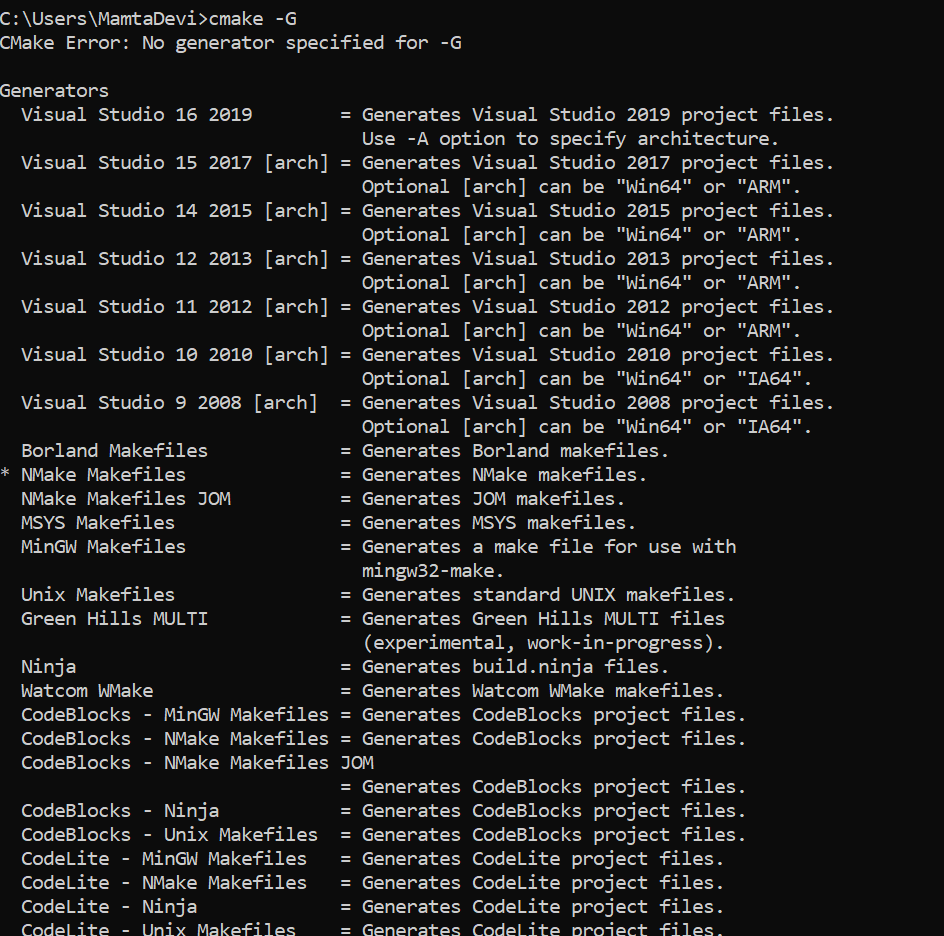
For flexibility i chose to use cmake with two IDE’s Eclipse2019 for c++ & Clion by JetBrains. I will summarize this is three parts :
- Part1 :
- Windows /Eclipse IDE for C/C++ with cmake : to create builds for host machine.
- Windows /Eclipse IDE for C/C++ with cmake/Andriod NDK : to create builds for different android targets.
- Part2 :
- Windows /CLion IDE with cmake : to create builds for host machine.
- Windows /CLion IDE with cmake/Andriod NDK : to create builds for different android targets.
- Part3:
- Linux /CLion IDE with cmake : to create builds for host machine.
- Linux /CLion IDE with cmake/Andriod NDK : to create builds for different android targets.
In this post i will cover only Part 1 and Part 2 & 3 will be covered in subsequent posts. So let us start with Part1.
1: Windows /Eclipse IDE for C/C++ with cmake: The build combination we are going to try here is :
- Host Platform : Windows
- cmake – version 3.16.0-rc2 (Download : https://cmake.org/download/ )
- GNU make program – mingw32-make (Download : https://managedway.dl.sourceforge.net/project/mingw-w64/Toolchains%20targetting%20Win32/Personal%20Builds/mingw-builds/installer/mingw-w64-install.exe)
Although this version of eclipse is equipped with cmake, somehow i couldn’t get it to work very nicely for my needs. So next thing i had to find was another alternative which is more flexible and configurable and then i found this plugin Cmake4eclipse, available on Eclipse MarketPlace. To install go to help–> EclipseMarket place–>(search of Cmake4eclipse) and install.
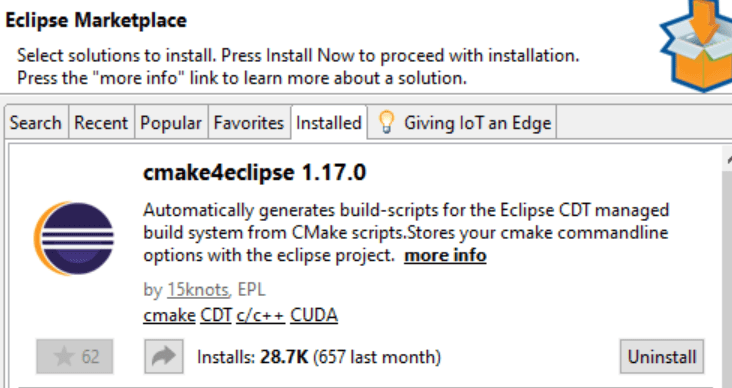
After installing plugin, a bit of configuration is needed.
On Eclipse create a new c++ project (do not choose cmake project).
Step 1 : After the project is created, Right click on project, you should see cmake4eclipse plugin
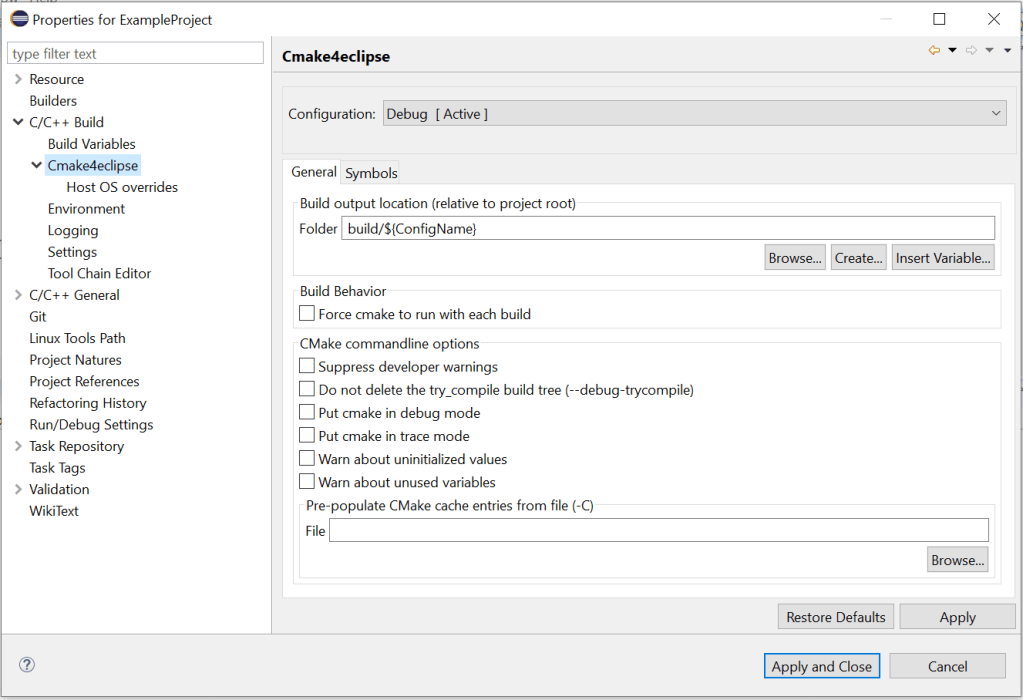
Step 2: click on Tool Chain Editor and select CMake builder (portable), Click on apply.
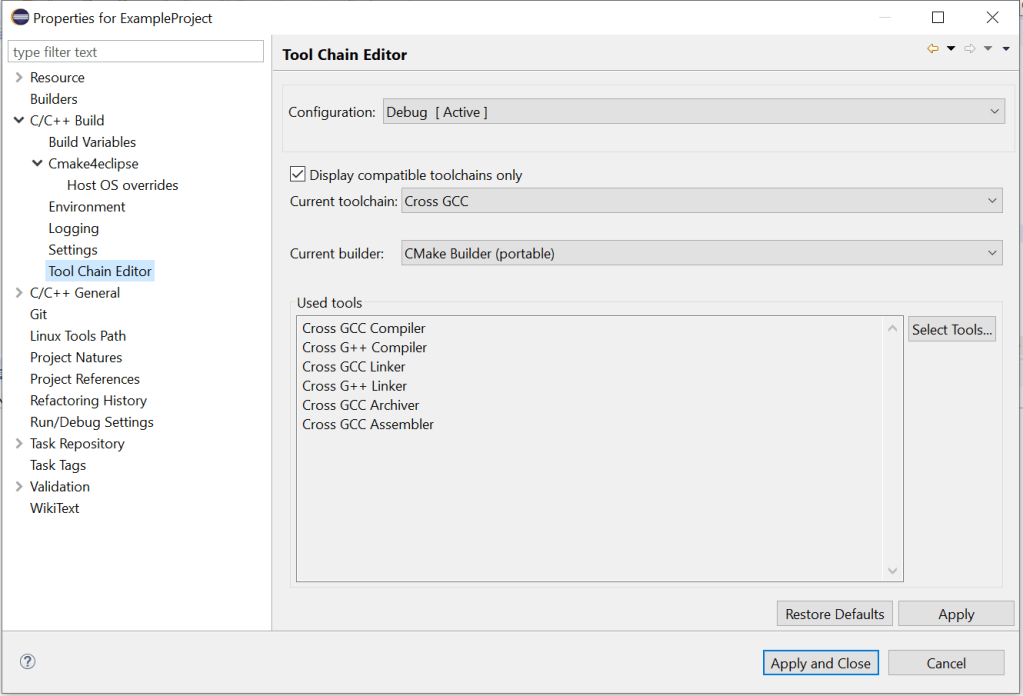
Step 3: Since i am using Mingw to generate make files, i selected MinGW Makefiles, click on Apply.
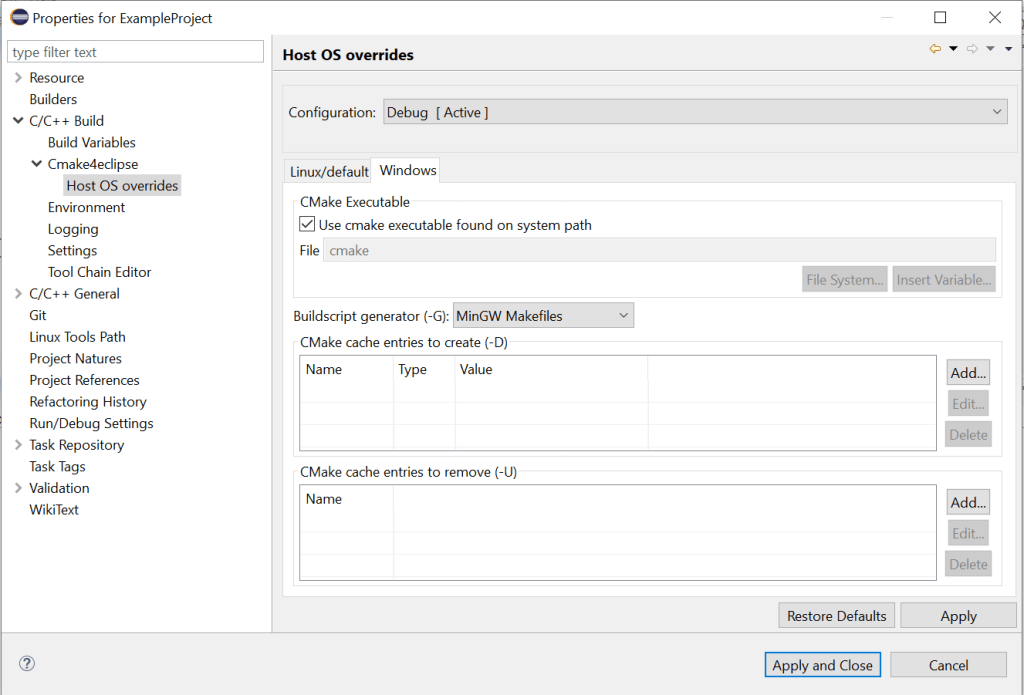
Step 4: Cmake is configured, it is the time to build and execute. Right click on project, click on build project. if everything goes fine, you should see the build files generated in build folder. you might see this error :
sh.exe was found in your PATH.
In this case, you will need to remove all sh.exe files from you path, it can be cygwin, git on any other shell files for MinGW to work properly.
You can take this sample project on github : https://github.com/mamtadevi/CrossPlatformBuild
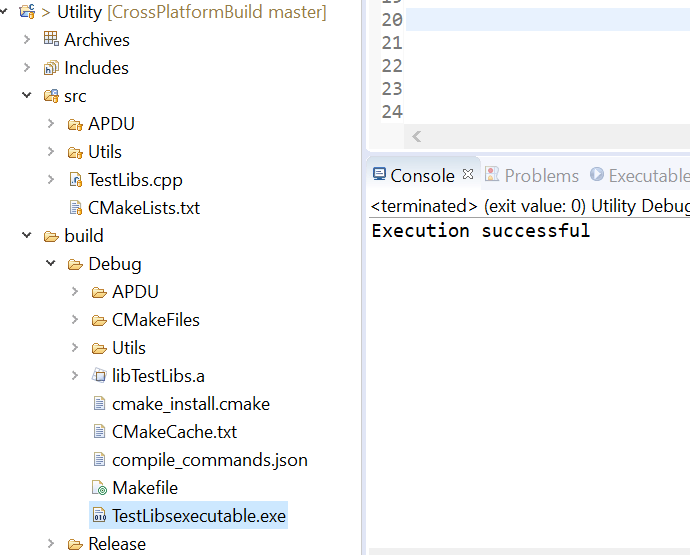
Right click build project ,If it builds fine,it will create TestLibsexecutable.exe . you should see this output after executing TestLibsexecutable.exe.
2: Windows /Eclipse IDE for C/C++ with cmake: Next we will try to build a cross platform target using Android NDK. For this we will need Andriod NDK in addition to the tool chain we already have. Download android-ndk-r19c-windows-x86_64
Next thing we need to do is edit base CMakeLists.txt. We need to set CMAKE fields to indicate NDK tool chain and few other parameters. Uncomment the following section in CMakeLists.txt and we are ready to build. The target ABI chosen is : arm64-v8a. You can choose to build for any one the four targets mentioned in file.
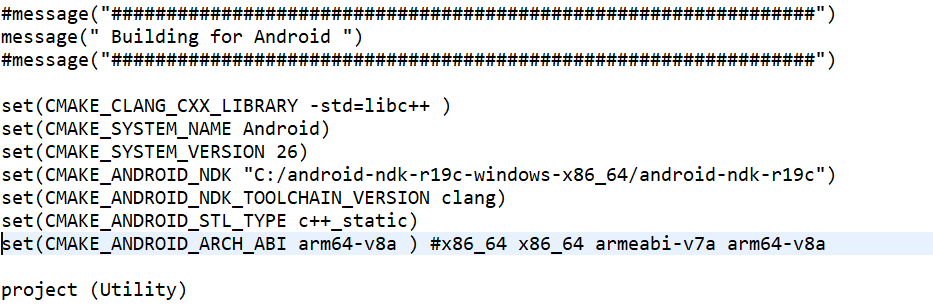
Save your changes, Right click on project and hit build. You should now see clang as identified compiler.
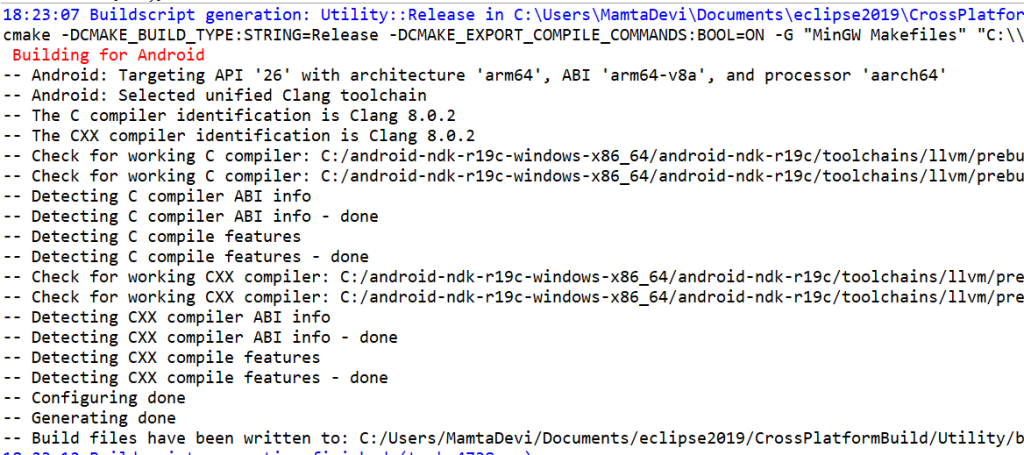
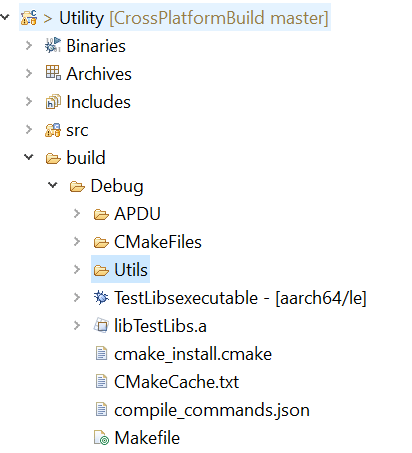
Now if you see your build folder, next to the binary , arch-abi is mentioned which means that it compiled for the correct target, But you can’t run it as your target platform is different than the host platform.
To summarize, this small project was created to have a basic understanding of how we can use cmake to compile for different host and target platforms using Eclipse.
 codeshod.code.blog